Listen to anything
you read online

ReadText is a free Chrome extension that reads any webpage aloud. Hover over a sentence, click, and it reads from there, at the speed and voice you choose, in 30+ languages.

Add to Chrome, it's free
500+ readers Rated 4.2 on the Chrome Web Store Featured badge on the Chrome Web Store

How it works

No account, no setup. Pin the extension, open any article, doc or online textbook, and press play.

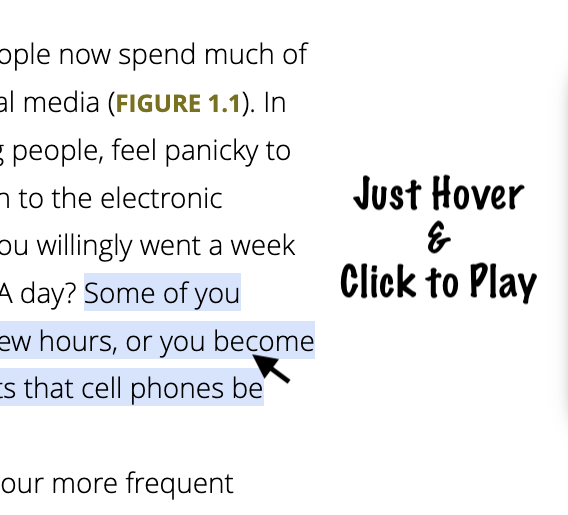
Hovering over a sentence in a textbook page highlights it, ready to play

Hover and click to play

Start reading from any sentence. The text is highlighted as it is read, so your eyes can follow along.

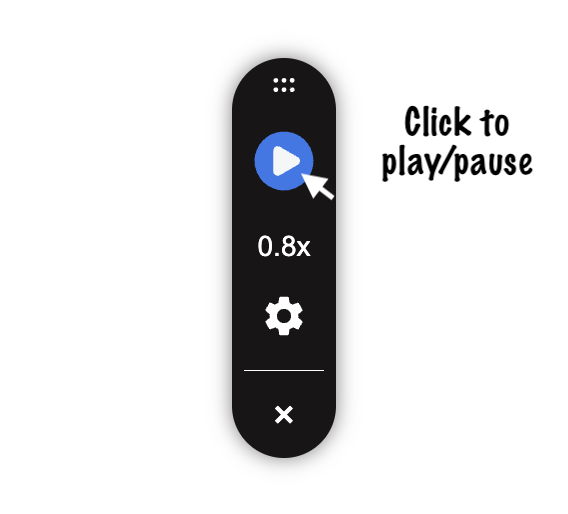
The ReadText reading bar with play button, speed and settings

One small reading bar

Play, pause, change speed, voice and accent from a bar that sits beside the page and stays out of the way.

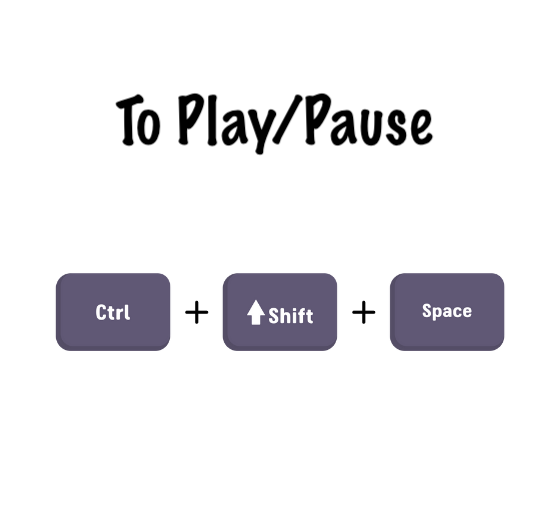
Keyboard shortcut Ctrl + Shift + Space to play or pause

Keyboard shortcuts

Ctrl+Shift+Space to play or pause. Ctrl+Shift+Up and Down to change speed. On Mac, use Cmd.

Why ReadText exists

I built the first version of ReadText for my sister. It has been on the Chrome Web Store since 2024, and more than 500 readers use it today.

ReadText is built and maintained by Vijay in Bengaluru, India. Bug reports and feature ideas are always welcome.